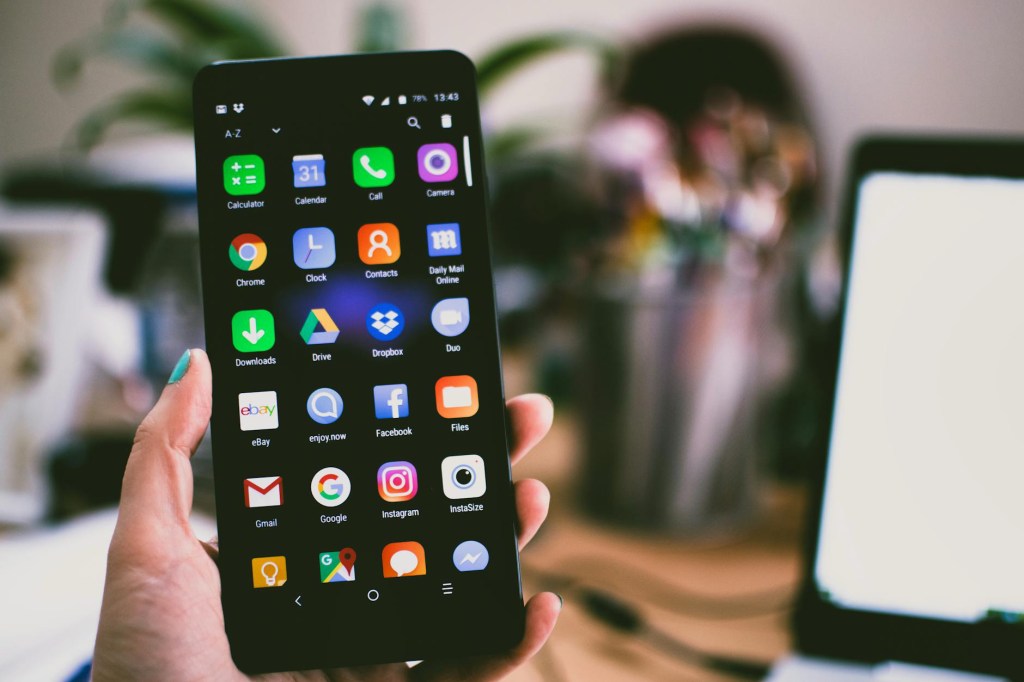
Having the right apps and tools for your next Aussie road trip in my opinion is the difference between a smooth holiday or a chaotic mess.
It’s taken us over 1.5 years living full time on the road to dial down the best apps and tools to use. WikiCamps would have to be #1 on our list as we use it daily to find accomodation, dump points, water points and fun local activities for the kids!
I wish I had this checklist on hand when I started off travelling because I would have saved so much time and hassle.
Here’s what we use now and what I recommend in 2025 – most other blogs are outdated so this is the freshest information you’ll find!
——
🧭🌤️ Navigation and Safety
• Apple Maps – Smooth iPhone navigation
• BOM Weather App – Essential for changing conditions and knowing if the wind is going to be blowing to hard to leave the awning out overnight.
• Emergency + – Must have for safety and emergencies in remote areas (If no satellite phone) – includes things like exact coordinates, emergency contact numbers, fire alerts and information such as how to perform CPR.
• UHF Channel 40 – This is the truckies channel. As an extra safety measure, we keep it on so we can safely pass and overtake trucks.

————
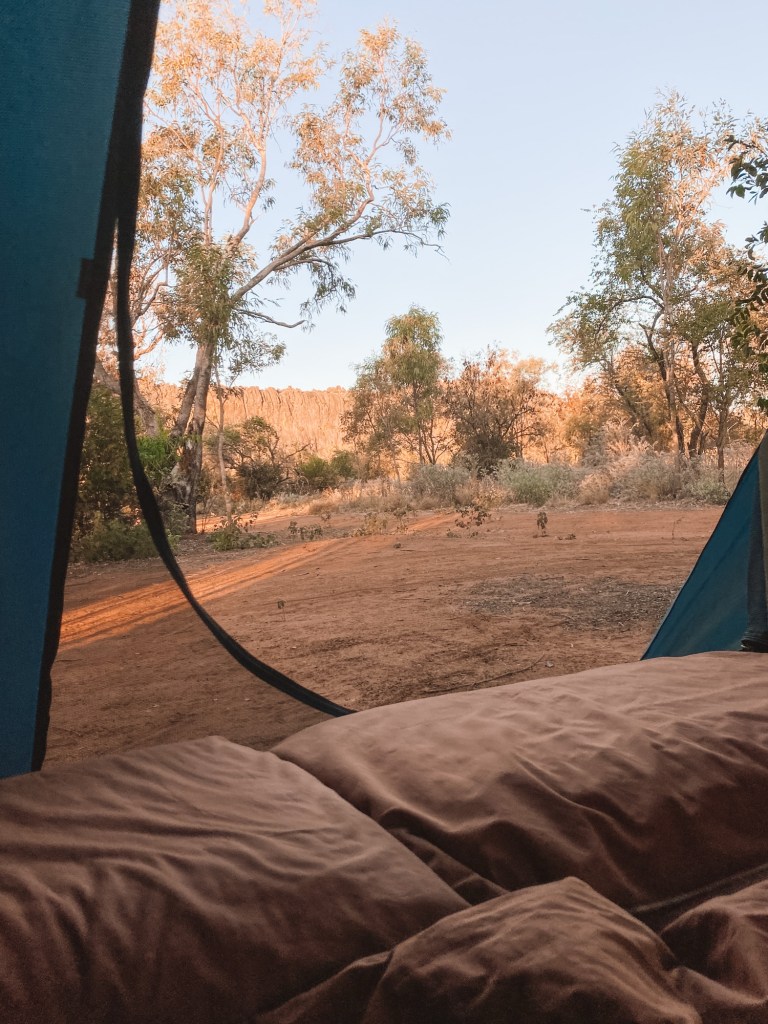
🏕️🔥 Camping & Accommodation Apps
• WikiCamps – Go-to for free and paid campsites, water points, toilets, dump points, etc.
• Hipcamp – Unique private property stays (some of our favourite camps have been Hipcamps as they are great for kid-friendly farm stays or pet-friendly spots).
Tip: Save your filters like “family stays” or “child friendly” to save time every time you search. You can also save your favourite camps too.
Tip: Check the most recent reviews — it’s usually a pretty good indication of what the place actually is like (vs. the marketing pics).
—————
📱🤳🏼 Staying Connected on the Road
• Telstra – We use Telstra, but honestly, there are more black out zones than what we expected.
• Starlink- If you are going remote and need internet connection, although expensive its 1000000% worth it!
————
📺 🎶 Entertainment (For the whole family)
• Netflix & Disney+ – Download before leaving areas with good signal to avoid streaming issues
• Audible – Great for audiobooks (for both adults and kids)
• Spotify Playlists – Not just for music but podcasts too. Max has been listening to different Disney stories, just type in “Disney Storytime” or click the link.
• Apple Podcasts – Shaun and I use this on the daily, especially for long drives when the kids are sleeping, its like a little date day without having to go anywhere.
• Good Reads – To keep track of what books I’ve read and what other people recommend.
• Youtube – Some of our favourite travel YouTubers to watch are Flying the Nest, Kara and Nate, Sailing La Vagabonde, Kinging It, Karstan and Maxine, As We Wander, Haylsa, Back 2 Basics Adventures and B2B Castaways (Strick and Fran).
• Kids gaming apps ages 2-4 – Bimbi Boo Preschool Games, Reading eggs, Bimbi Boo Drawing.
Tip: Don’t trust hotspot as the internet is always patchy when driving. Be prepared and download episodes or playlists before each long drive.
Tip: Give each child headphones or try and change your car audio settings to play the kids podcasts, stories and music in the back speakers only- this is a game changer for mum and dads sanity sitting in the front seats!
⸻
📸 🎞️ Social & Memory Keeping
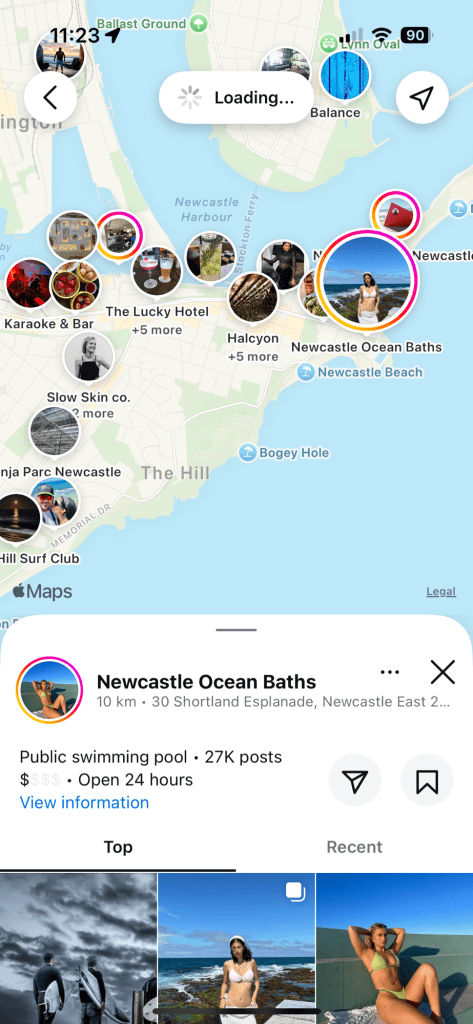
• Instagram – Not only to share highlights and connect to other travellers. You can search what is in the area- In the search bar type the location you wish to explore and click “places”, this will bring up a map of the area with a photo reference for each activity or eatery in the vicinity! We use this daily to find cool things to do when visiting a new place.
• Facebook – To connect to the people who may not have instagram. Mainly family to keep them updated on our whereabouts without having to call and check in everyday.
• Dazz Cam – For retro “film” style photos.
• Inshot – To put together little video clips of your travels with overlaying text and special effects.
• Lightroom – For all photo editing needs in one spot.
• Google Photos / iCloud – Auto-backups + photo organisation.
• Once Upon – Create gorgeous, easy-to-use photo albums from your trip. I simply update mine every few months and order a hard copy at the end of each year.
Tip: Turn on auto-backup so you never lose those special moments from your phone!
⸻
👩🏼💻 ⛽️ 📬 Admin & Budget Tools
• AusPost App – Track all mail and parcels across the country.
• Fuel Map – Finds the cheapest fuel in the area.
• Time Tree – Our go to shared calendar for all our life admin.
⸻
🏃🏼♀️🤸🏼♀️🏃🏽♂️Exercise & Movement
• Peloton – Even though ill be leaving my exercise bike at home, I still use the app for Pilates and strength training. It also includes programs such as real time running guides.
• Strava – This is how Shaun and I track all of our runs and find cool local tracks.
• AllTrails – Used to find walking/ hiking trails and their difficulty rating.
⸻
There are honestly thousands of other apps you can use — most do the same thing. But these are the ones that have been road-tested by us and passed the chaos-of-travel-with-kids test.
If your stuck on what to pack for your next family trip, download my FREE Family Van Life Packing Checklist or check out the blog 🙂
Got any faves that didn’t make the list? Drop them in the comments or message me over on our instagram.
❤ Britt
@roam_n_round Instagram
@roam n round Facebook
 Roam N Round
Leave a comment